
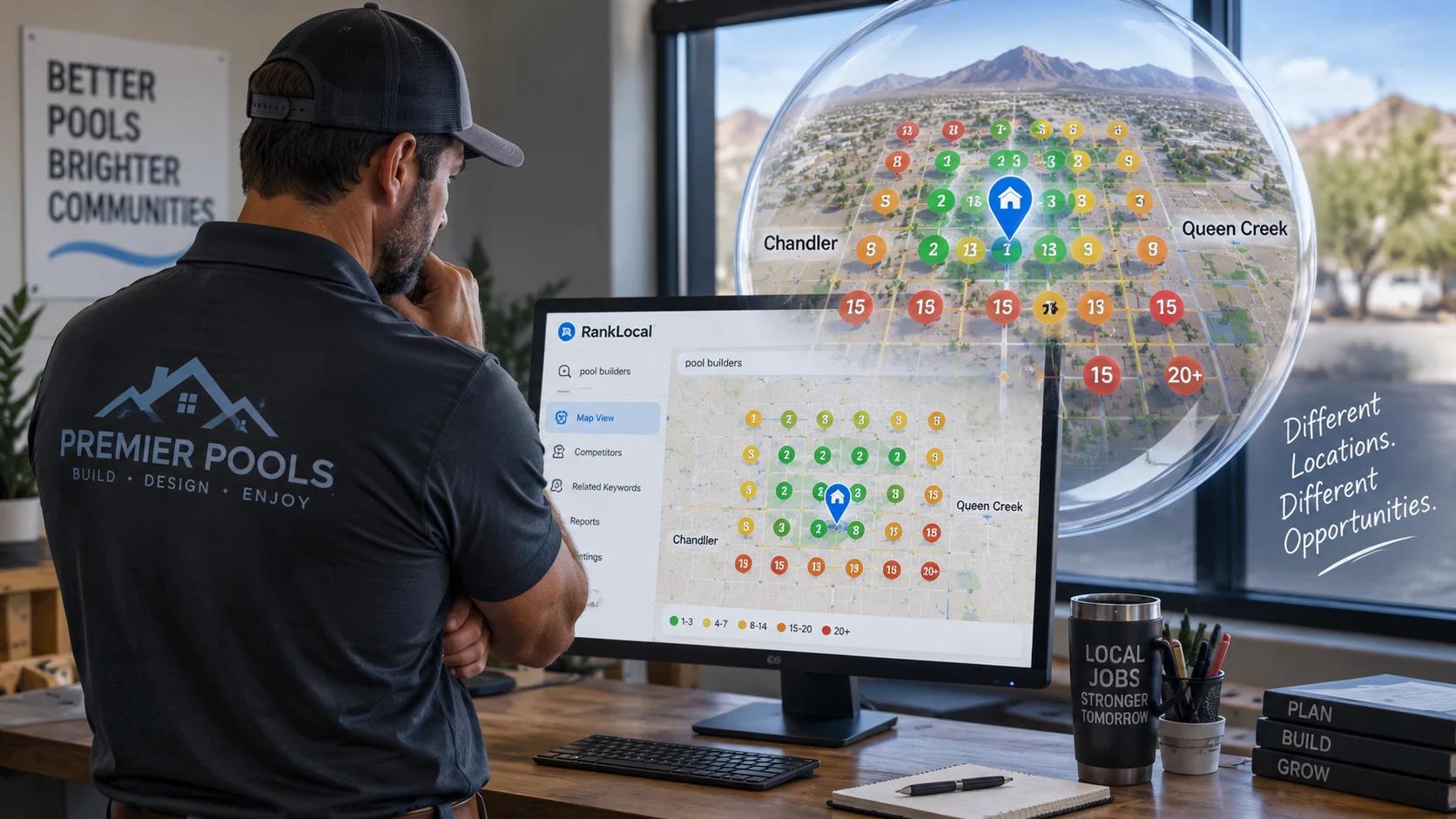
If you run a local service business — pools, HVAC, plumbing, landscaping, dental, legal, home services — Google Maps is often where the job starts. A homeowner types a phrase on their phone, looks at the map pack, and calls someone who shows up nearby.
Here is the part most owners miss: you do not have one local ranking.
You can look strong near the office and almost invisible a few miles away. That gap is where leads quietly go to competitors.
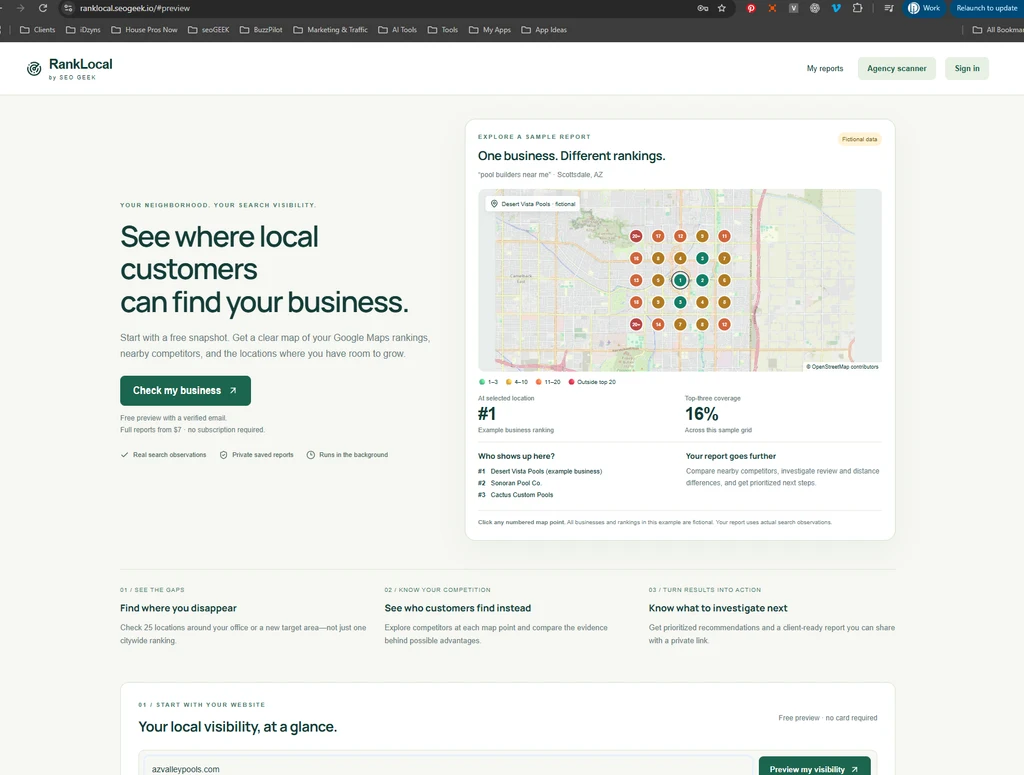
That is exactly why we built RankLocal by SEO Geek — a local rank map that shows where customers can find you, who appears ahead of you, and where to focus next. Without locking you into an expensive monthly SEO platform just to see the picture.
Why local ranking matters for service businesses
Local customers search with intent:
- “pool builder near me”
- “emergency plumber Chandler”
- “HVAC repair Queen Creek”
Google answers with Maps results and organic listings. If you are not visible in the neighborhoods you want to serve, your website and ads work harder than they should.
For service-area businesses, the office address is only one point on the map. The real question is:
Where do we show up for the people we want as customers?
A single citywide rank or a one-off manual check cannot answer that. Neighborhoods vary. Competitors change block by block. A rank map makes those differences visible.
What a local rank map shows that a single check cannot
RankLocal checks 25 locations per keyword across a grid you choose. Each point gets a color-coded rank so you can see, at a glance:
- Where you are in the top three
- Where you still appear in the top 20
- Where you drop off completely
- Which competitors customers see instead at a given pin
You also get visibility metrics, a saved analysis summary, recommended next steps, related keyword ideas, and shareable client links — so owners and agencies can act on the same report.
How RankLocal works
- Enter your website
- Select your exact Google Business Profile listing
- Choose the search phrases that matter (up to five on a one-time package)
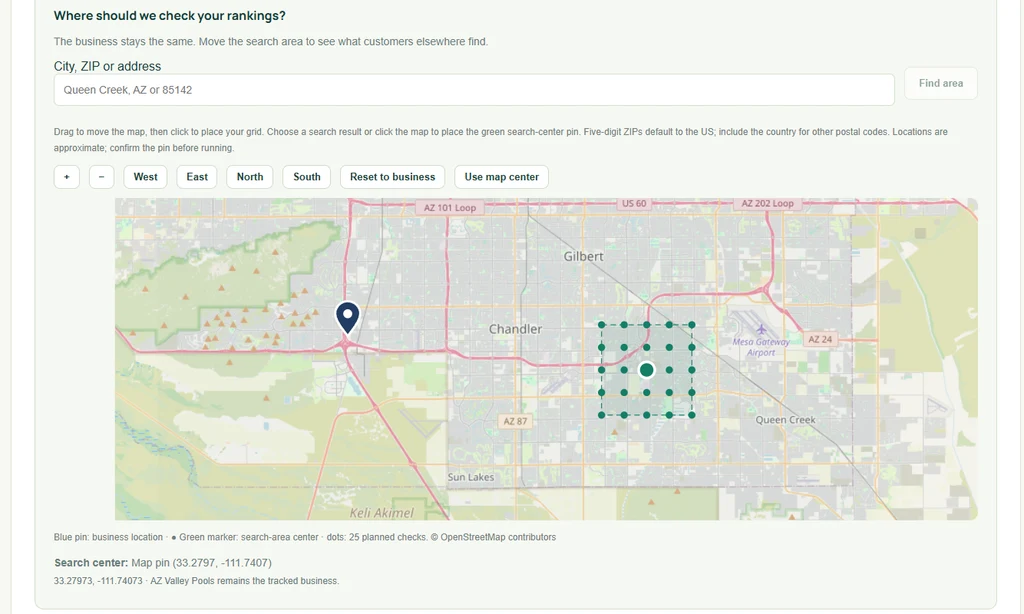
- Place the search area around your business — or move it to a market you want to win
Reports run in the background. When processing finishes, you get an email. You can download CSV, print to PDF, and share a client link with no client login required.
A practical example: Chandler office, Queen Creek growth
Imagine a pool builder based in Chandler that wants more installs in Queen Creek.
Checking rankings only around the office can look fine. Moving the RankLocal grid into Queen Creek and testing phrases like “pool builders,” “pool installation,” or “pool construction” answers better questions:
- Are we showing up where we want new customers?
- Which competitors appear ahead of us there?
- How does visibility change across that area?
- What related phrases should the SEO team investigate next?
- Which service pages or local content deserve attention?
That gives the business — and its marketing team — a clearer starting point: improve existing pages, plan useful area-specific content, and measure change with a later report.
Built for owners, service-area brands, and agencies
RankLocal is for:
- Local business owners who want a straight answer, not a dashboard maze
- Service-area companies expanding into nearby cities or ZIP codes
- SEO consultants and agencies that need client-ready local ranking reports they can share
It is observation and practical guidance — not a promise that Google will move overnight. Maps rankings and organic website rankings are separate. Related keywords are ideas to investigate, not proof you already rank. Competitor views show who appears, not a guaranteed reason why.
Pricing that matches how local businesses actually buy
Most local visibility tools push a subscription before you have seen anything useful. We flipped that.
| Option | What you get | Price |
|---|---|---|
| Free preview | Quick summary report with a verified email (daily limits apply) | Free |
| One-time report package | One business, up to 5 keyword maps, 25 locations per map | $7 |
| Monthly plan | 20 standard reports per billing month (1 keyword × 25 locations each) | $14 / month |
No expensive platform subscription required just to see the map. Start with a free preview, buy a $7 package when you want the full view, or keep a light $14 monthly allotment when you are tracking multiple phrases or clients.
Monthly reports run when you request them. The plan does not auto-schedule scans unless you kick them off.
The point
Your customers search from where they live and work — not only from the pin on your Google profile.
See how your visibility changes from neighborhood to neighborhood. Then decide what to fix, what to publish, and what to measure next.
Start here: ranklocal.seogeek.io